01 SCAN
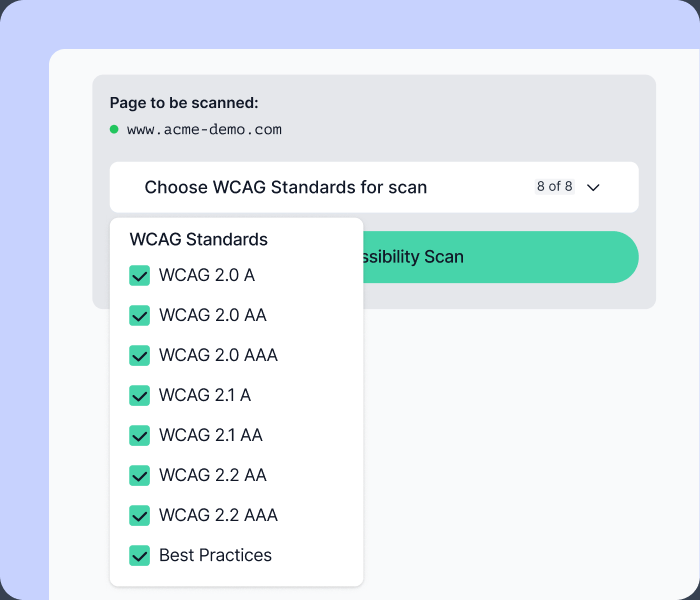
Filter by standards
Choose the WCAG versions and conformance levels that matter to your project — scan against all of them, or focus on specific requirements.
Find accessibility issues, understand what needs attention, and catch what automated testing misses. All in one Chrome extension.
// FEATURES
Run automated WCAG scans, explore detailed results, and complete guided manual checks without leaving the page you’re testing.
01 SCAN
Choose the WCAG versions and conformance levels that matter to your project — scan against all of them, or focus on specific requirements.
PRIVATE BY DESIGN
Za11y runs entirely in your browser, so you can test staging and internal pages with confidence.
02 UNDERSTAND
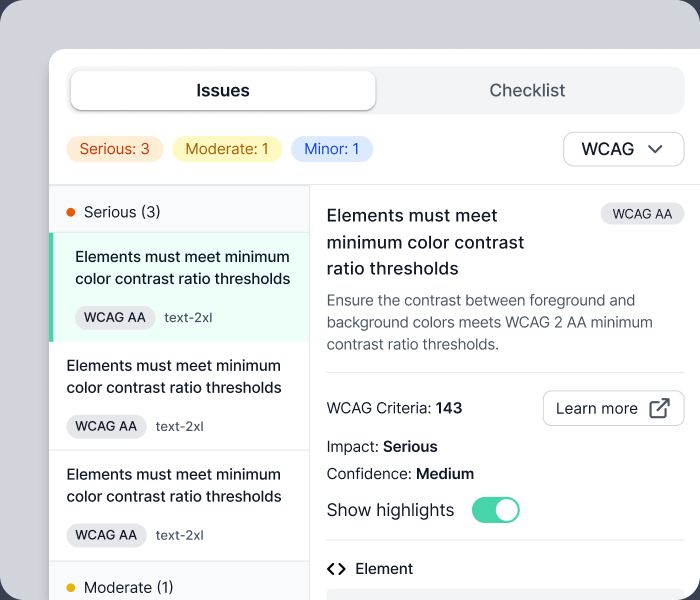
Why it matters, who it impacts, and how to fix it — with affected elements highlighted right on the page.
03 VERIFY
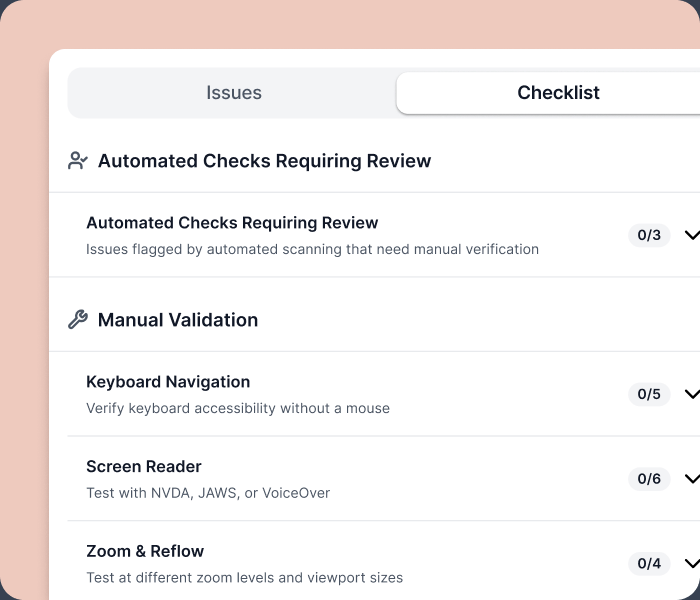
A built-in checklist for keyboard navigation, focus management, content clarity, and everything else that needs human judgment.
Jump from an issue straight to the element that caused it.
Export findings to share with your team or attach to a ticket.
The industry-standard rules engine behind trusted a11y tools.
Seconds per page
Human judgment, structured
Install Za11y in seconds and run your first scan on the page you’re already looking at.
ALREADY INSTALLED?
We built a sample page full of intentional accessibility issues so you can see Za11y in action.